 Intentional
Focus app for Mac
Focus intentionally. Block distractions.
Intentional is a distraction blocker for macOS that shuts out the apps and websites pulling you away — automatically, the moment a focus session starts. Set your intention once, and your Mac keeps you honest.
The problem
You don't have a discipline problem. You have a distraction problem.
Every "quick check" of Slack, every reflexive tab to YouTube, every app that begs for your attention — it all adds up. Studies say it takes 20+ minutes to refocus after an interruption. Most days, you never get there.
Intentional removes the choice in the moment, so you don't have to win the same willpower fight a hundred times a day.
Focus sessions
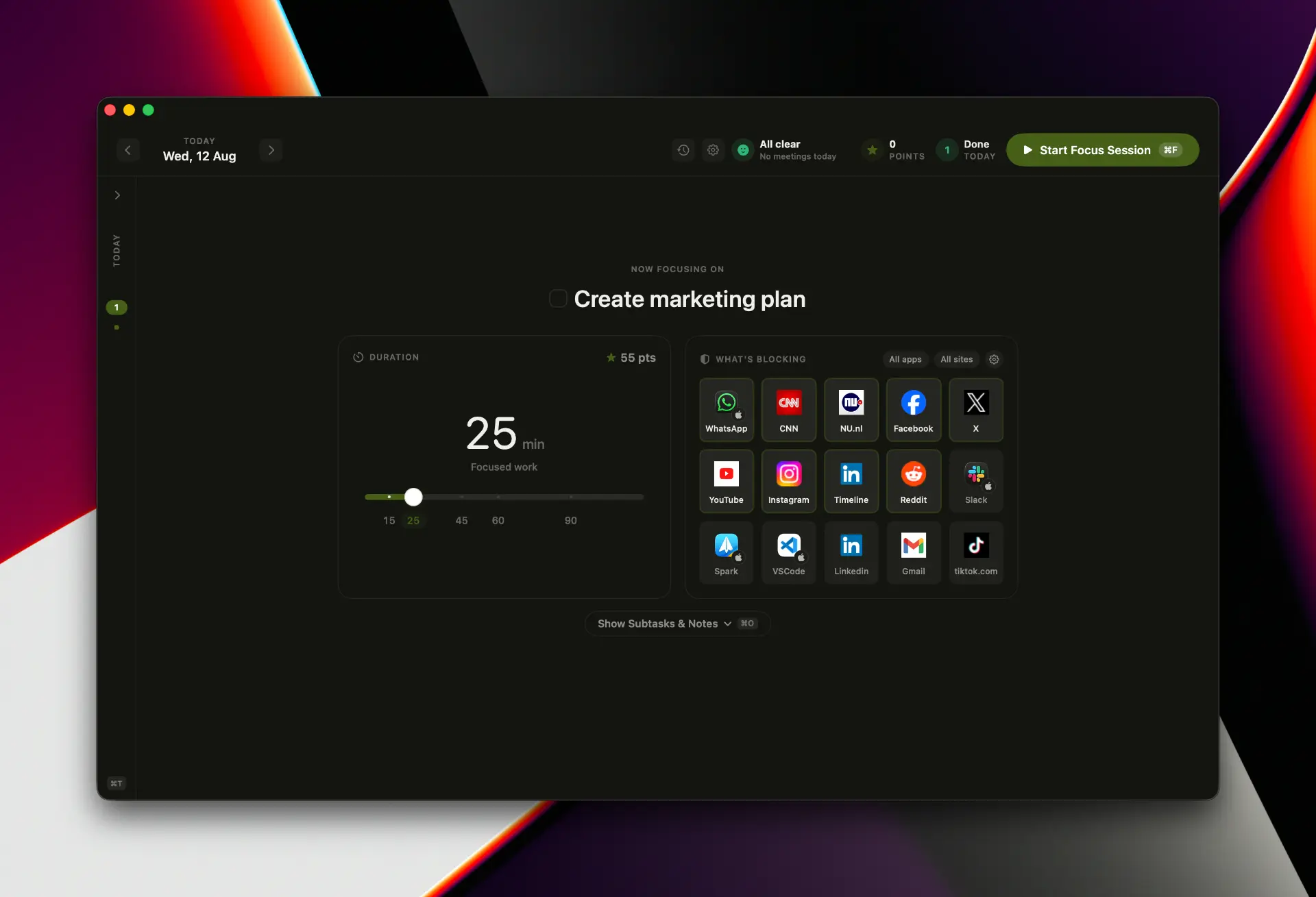
Start your intentional focus session
Pick your task, set a duration, and Intentional locks down everything that gets in the way. One click and the noise is gone.
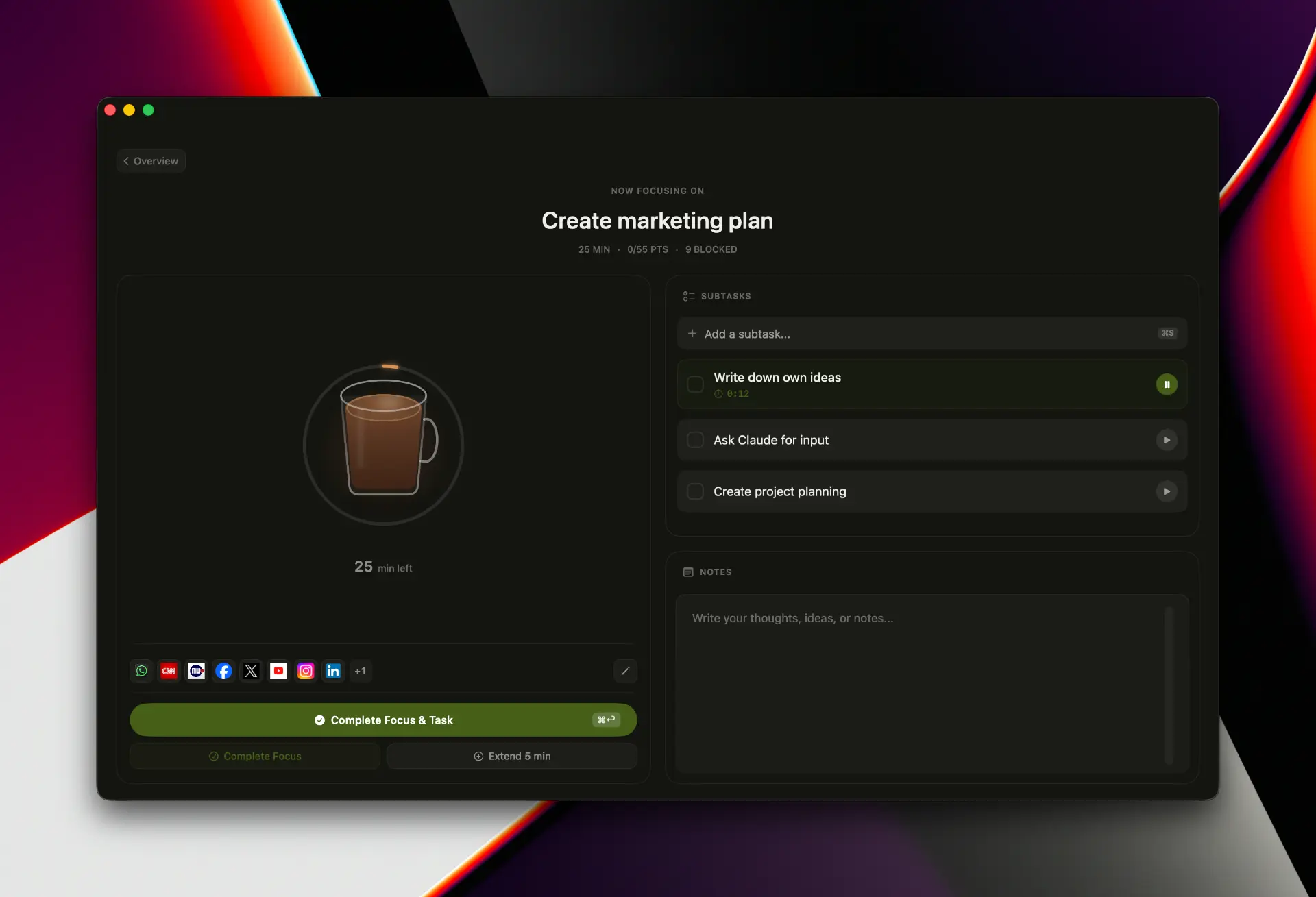
Deep work
Stay locked on one task
A single task on screen, a calm countdown, and room for subtasks and notes — so you always know what you're doing next.
Blocking
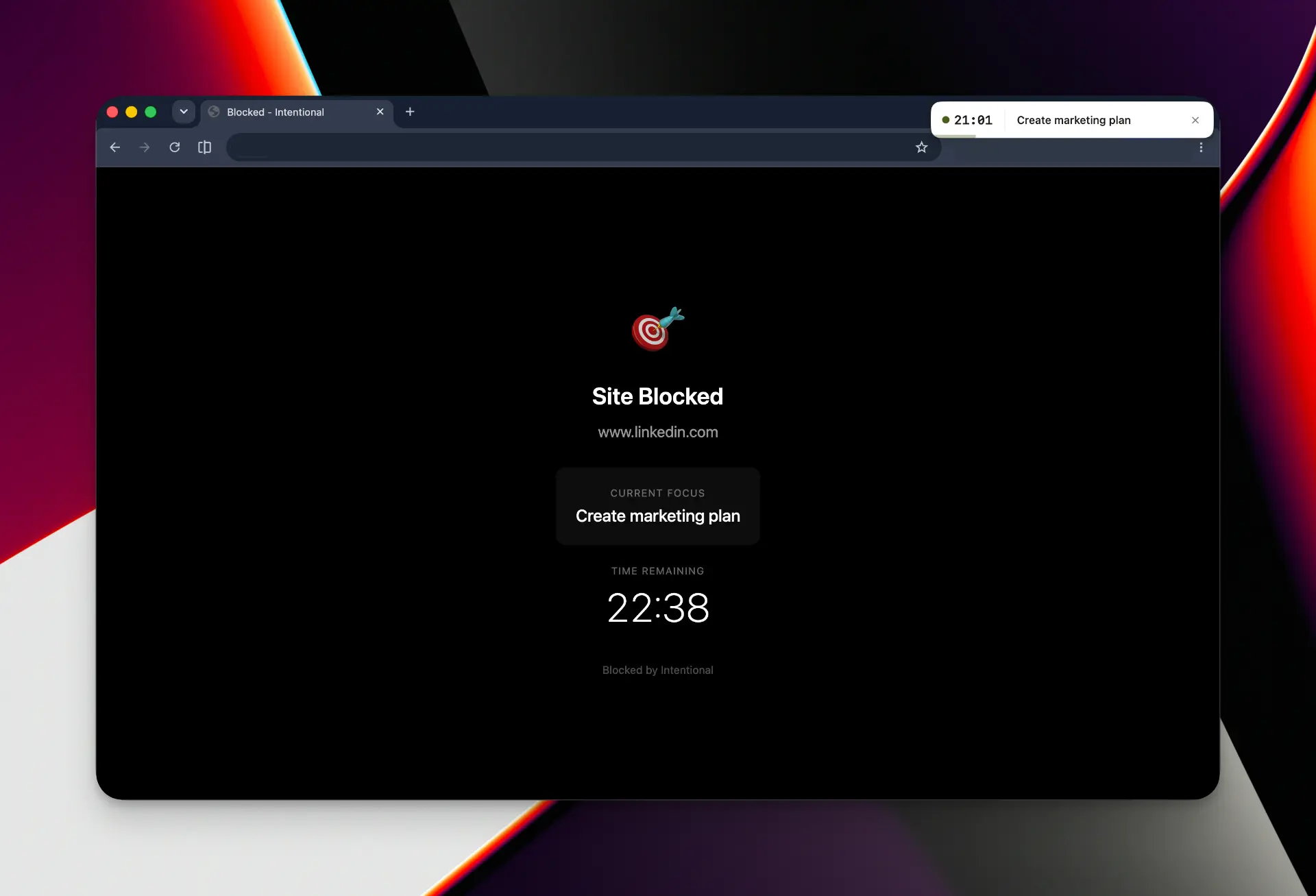
Distracting sites and apps? Blocked.
Wander off and Intentional catches it instantly. Instead of the feed, you see what you're focusing on and how long is left.
Calendar aware
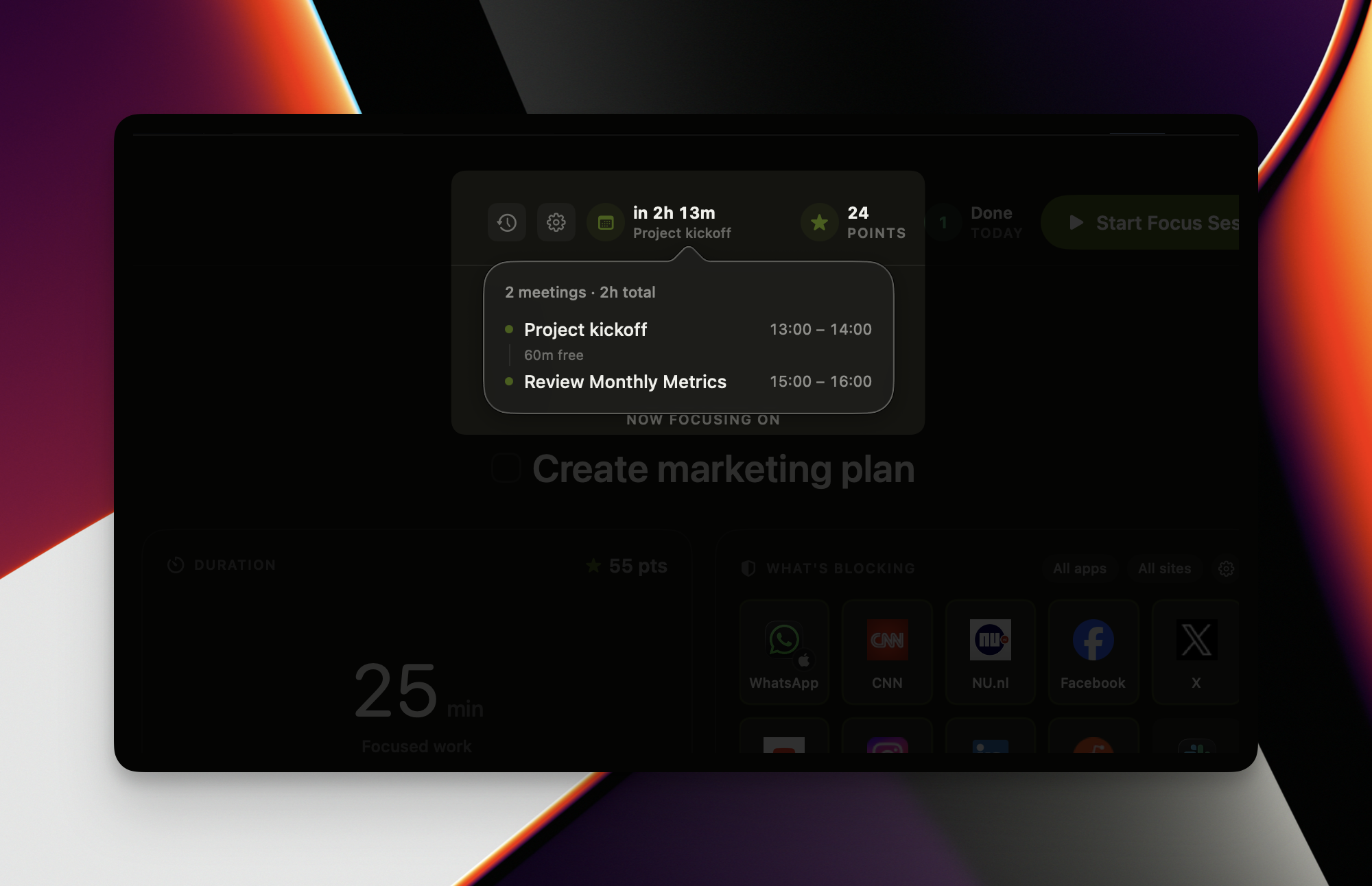
See how much time you can focus today
Intentional reads your day and tells you exactly how much uninterrupted time is left between meetings.
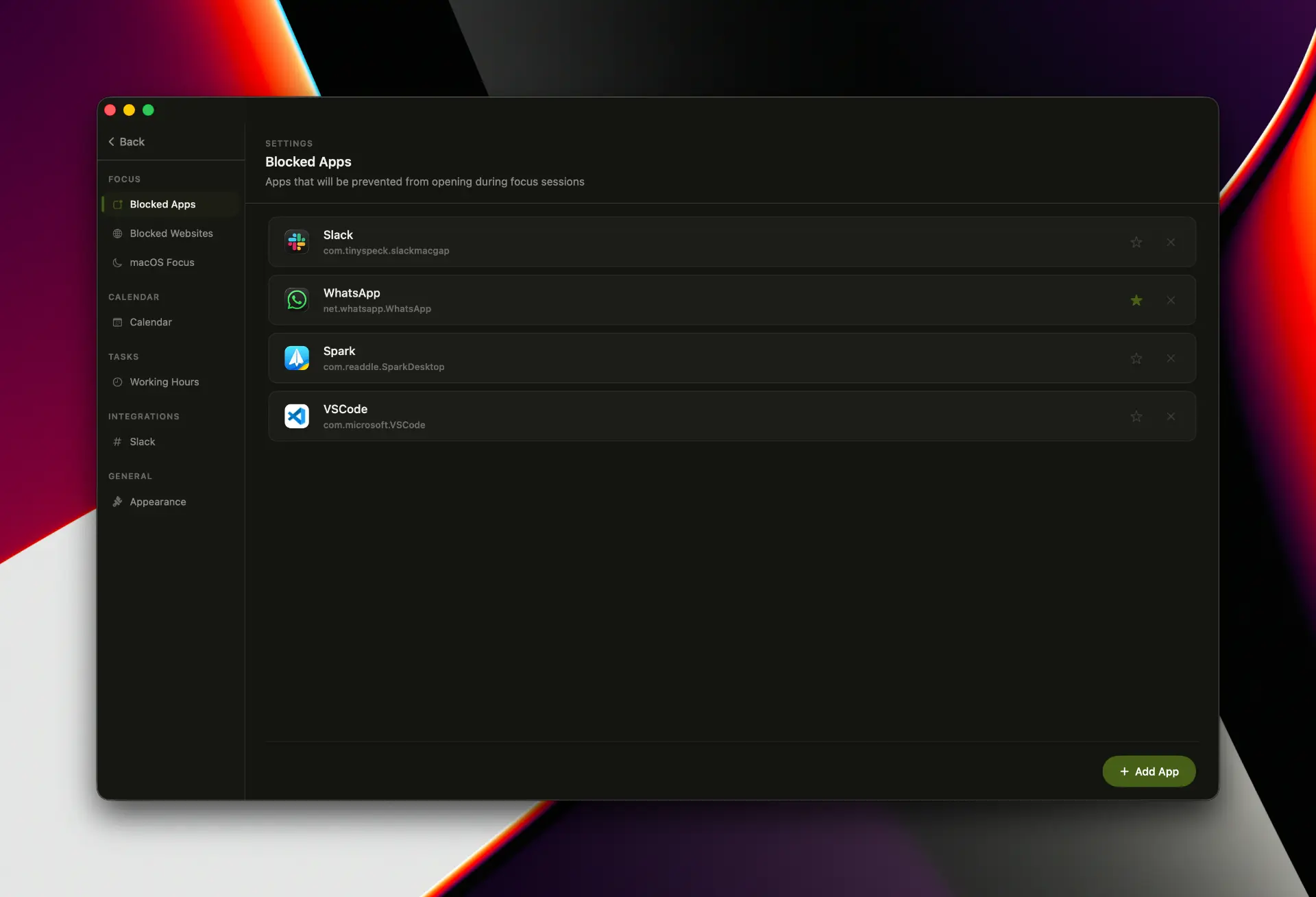
Blocked apps
Block the apps that pull you away
Slack, WhatsApp, mail, anything. If it opens during a session, Intentional quietly closes it again.
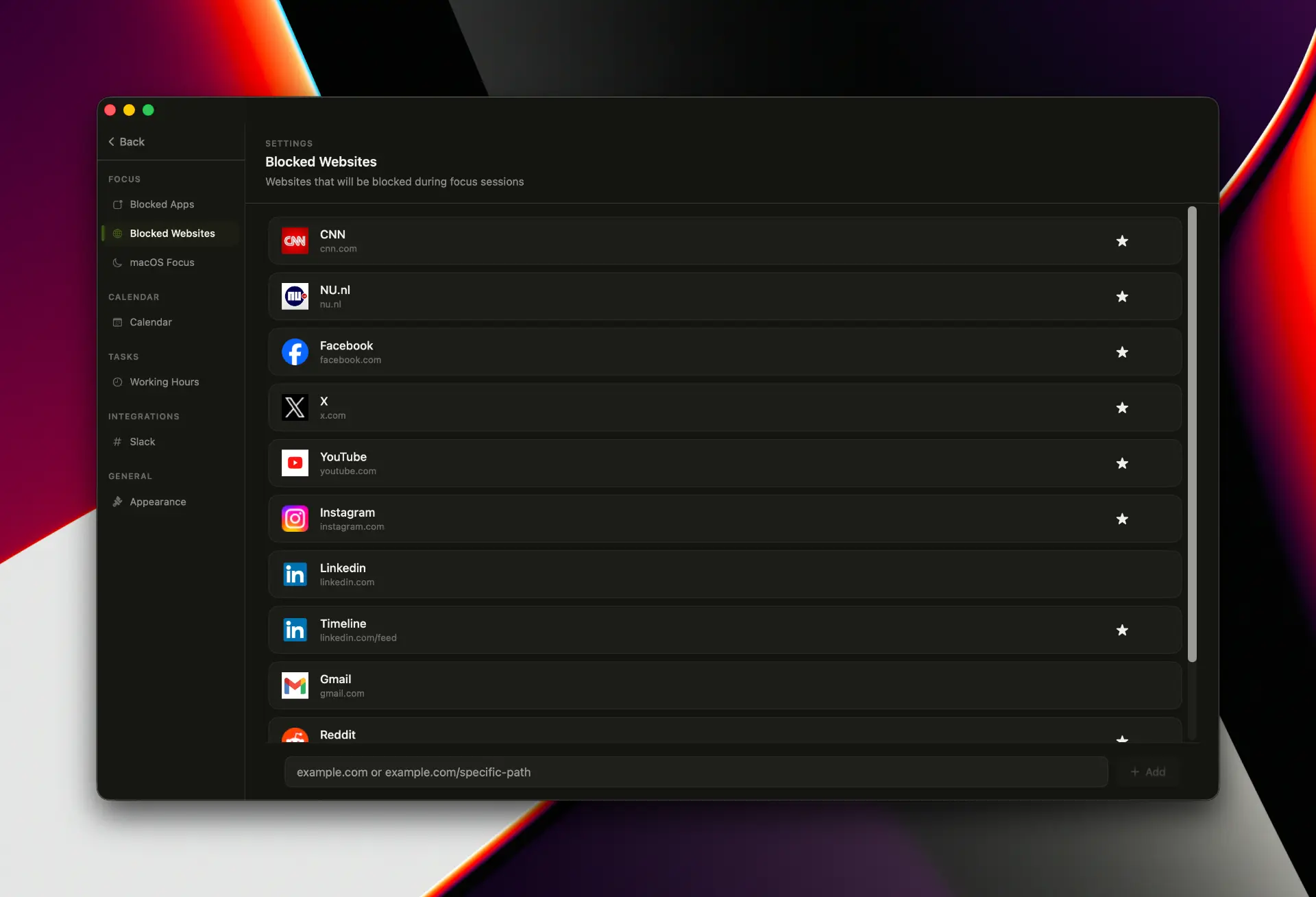
Blocked websites
Block the sites that steal your time
Add whole domains or single pages — block LinkedIn's feed while keeping your inbox. Works in Safari, Chrome, Arc, Brave and Edge.
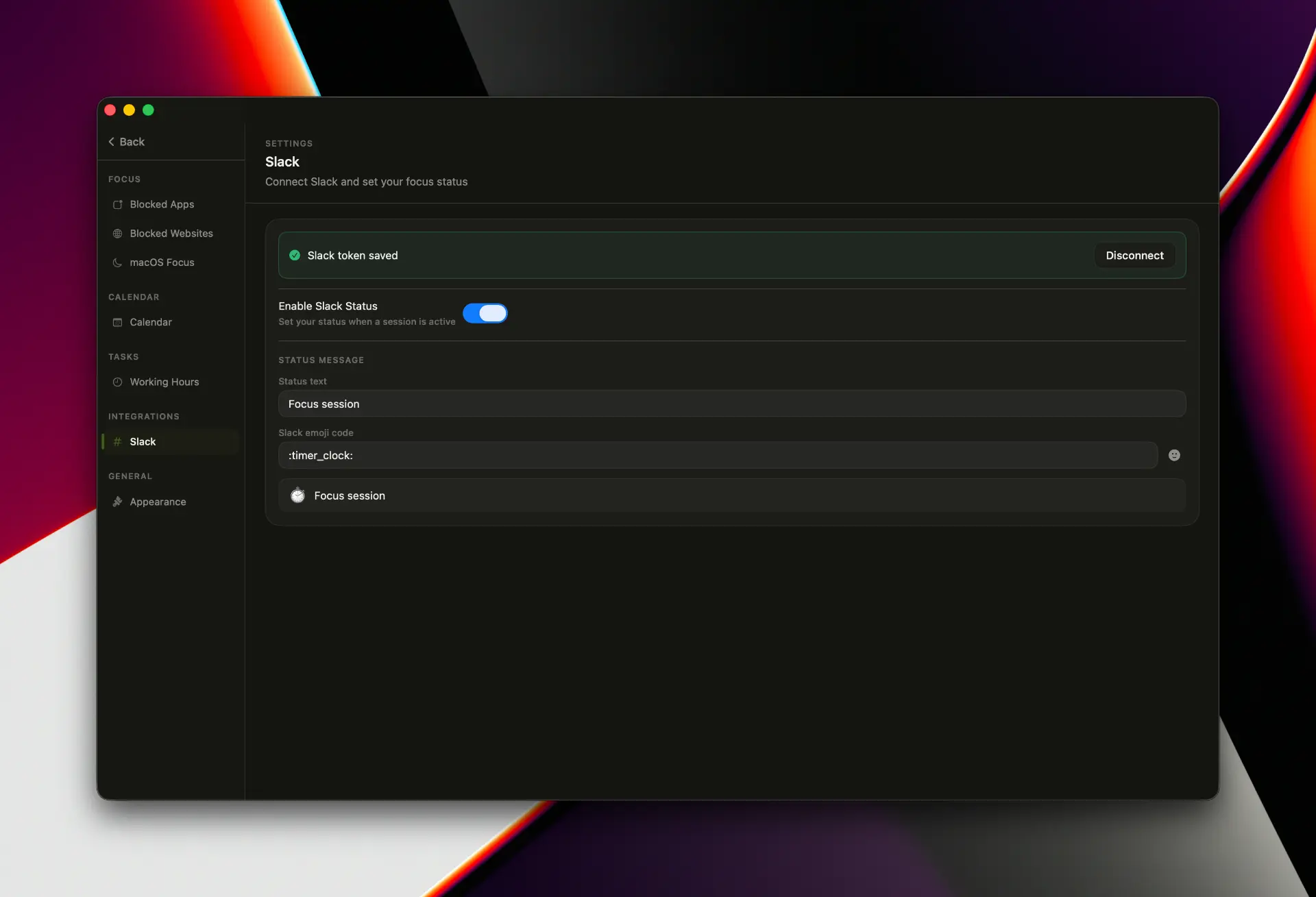
Slack
Slack status updates itself while you focus
Your status and emoji switch on when a session starts and clear when it ends, so teammates know you're heads-down.
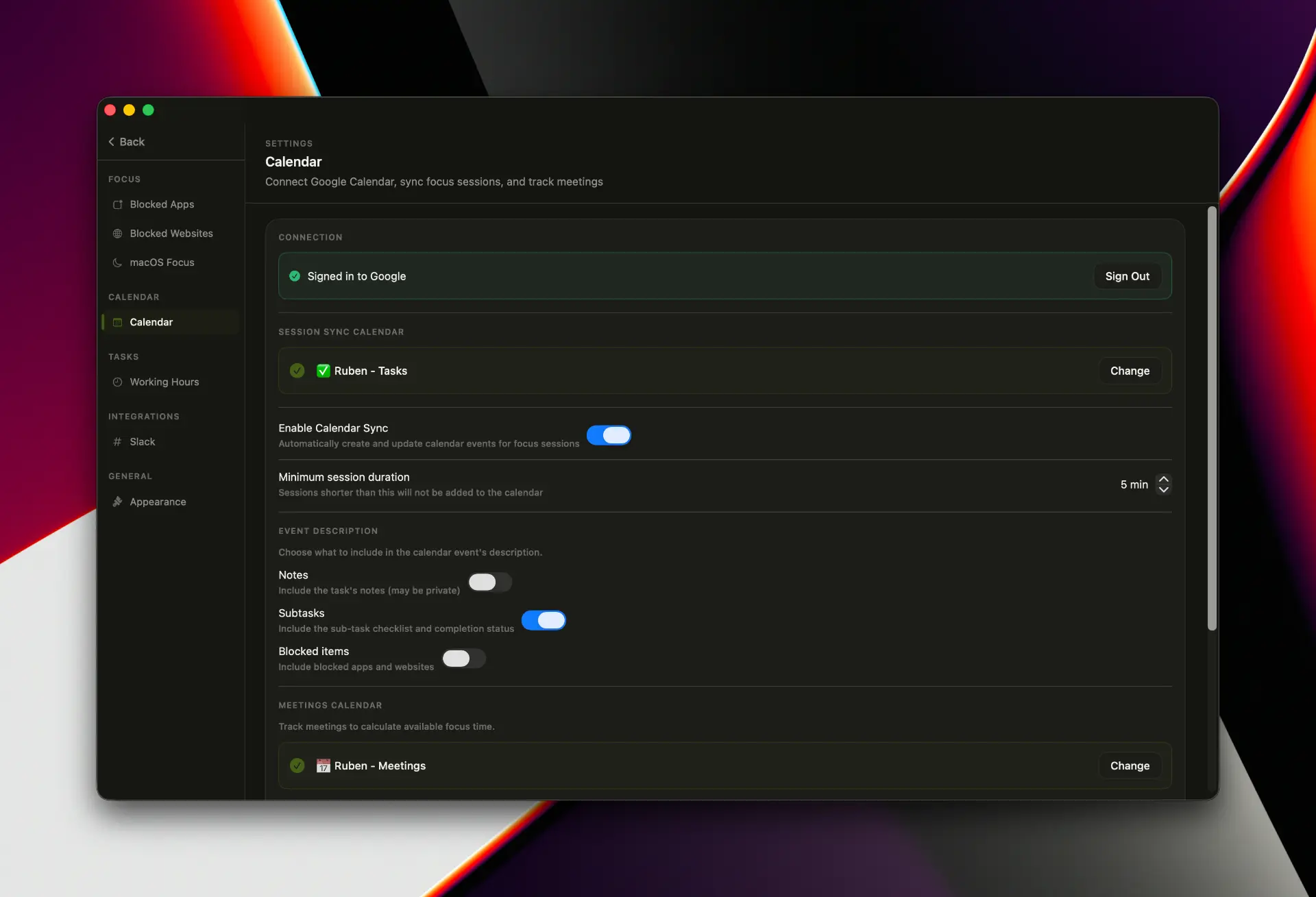
Google Calendar
Your focus, right on your calendar
Sessions sync straight to Google Calendar, so your focused time is visible and protected like any other meeting.
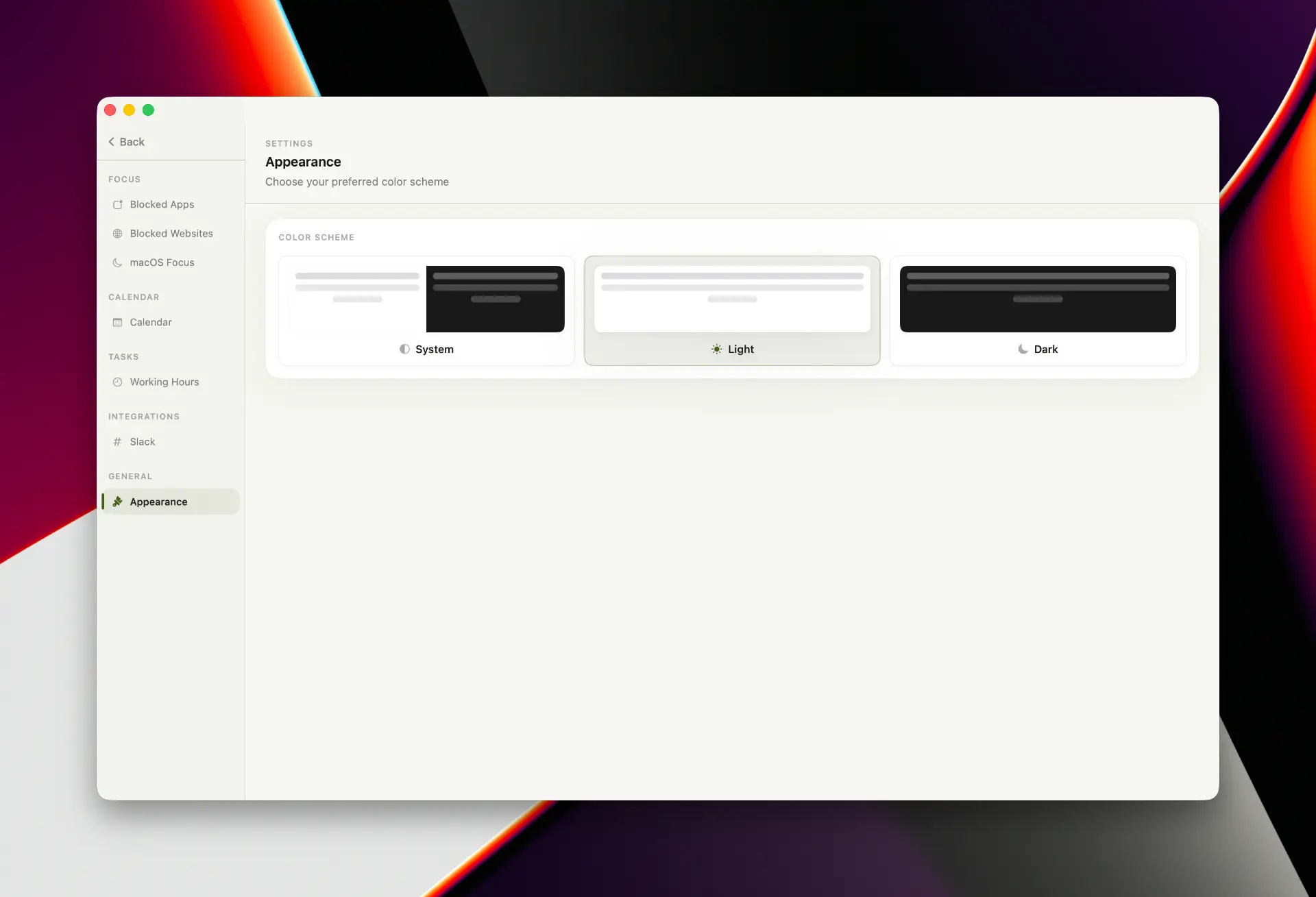
Appearance
Beautiful in light and dark
Follow macOS or pick your own. Intentional looks calm and at home either way.
Features
An app and website blocker built to keep distractions out, automatically.
Everything you need to do deep work on your Mac — nothing you don't.
Timed focus sessions
Start a session, set your intention, and go. A clear timer keeps you anchored to the work in front of you.
Always-on focus widget
A subtle floating reminder of what you're focusing on and how much time is left — visible without getting in your way.
Focus presets
Save your setups — "Deep Work," "Writing," "No Social" — and start the right block list in one click.
See your focus add up
Session history, points and streaks turn focused time into visible progress, so showing up every day actually feels like it counts.
Menu bar control
Start, pause, and check your session right from the macOS menu bar — no window switching required.
Private by design
Your blocklists, sessions and notes stay on your Mac. Nothing about your focus habits leaves your machine.
How it works
Three steps, then quiet.
- 01
Choose what to block.
Select the apps and sites that pull you off track — or load a saved preset.
- 02
Start a focus session.
Set your timer and your intention. Intentional takes it from there.
- 03
Do the work.
Distractions are handled in the background. You just focus — and watch your focused hours add up.
Why Intentional
Calm, deliberate, out of the way.
No willpower required.
The blocking happens automatically, in the moment — not "are you sure you want to open this?"
Lives on your Mac, not in the cloud.
Your focus settings stay on your machine.
Built for real workflows.
Calendar-aware, Slack-aware, and out of your way.
Quietly always-on.
A menu bar app and a floating widget — present when you need it, invisible when you don't.
FAQ
Frequently asked
Get started
Reclaim your focus today.
Intentional is a free download for Mac. Set your intention once — and let your Mac keep the distractions out.
macOS 14+ · Apple Silicon & Intel · Updates automatically